
Windows can now run your GGUF models itself: Microsoft's llama.cpp move explained
Microsoft wired llama.cpp into Windows ML, so a GGUF model can run through one Windows API — experimental, but a turning point for local AI on PCs.
For years, running an open AI model on a Windows PC meant installing something: Ollama, LM Studio, or a llama.cpp build you compiled yourself. On October 7, 2026, Microsoft announced a different answer. Windows ML — the operating system's own local AI framework — now includes experimental llama.cpp support, so you can run GGUF models (the format most open-weight models ship in) through Windows itself, with no separate app in between.
That is the takeaway: your operating system is becoming a local-AI runtime, and the GGUF format your open models already use is now a first-class citizen on Windows.

What actually changed
Microsoft laid it out in an October 7 Foundry on Windows post. The headline parts:
- A Text Generation API that accepts GGUF and ONNX through one surface. You hand it a language model; Windows ML picks the right execution engine itself — llama.cpp for GGUF, the existing runtime for ONNX. Previously, local GGUF workflows on Windows were unofficial workarounds. Now the OS knows the format.
- A Speech Recognition API that transcribes audio with an ONNX Whisper model. The two APIs compose: transcribe voice input, then hand the text to a GGUF chat model — all through Windows ML.
- An OpenAI-compatible endpoint for prototyping. A new
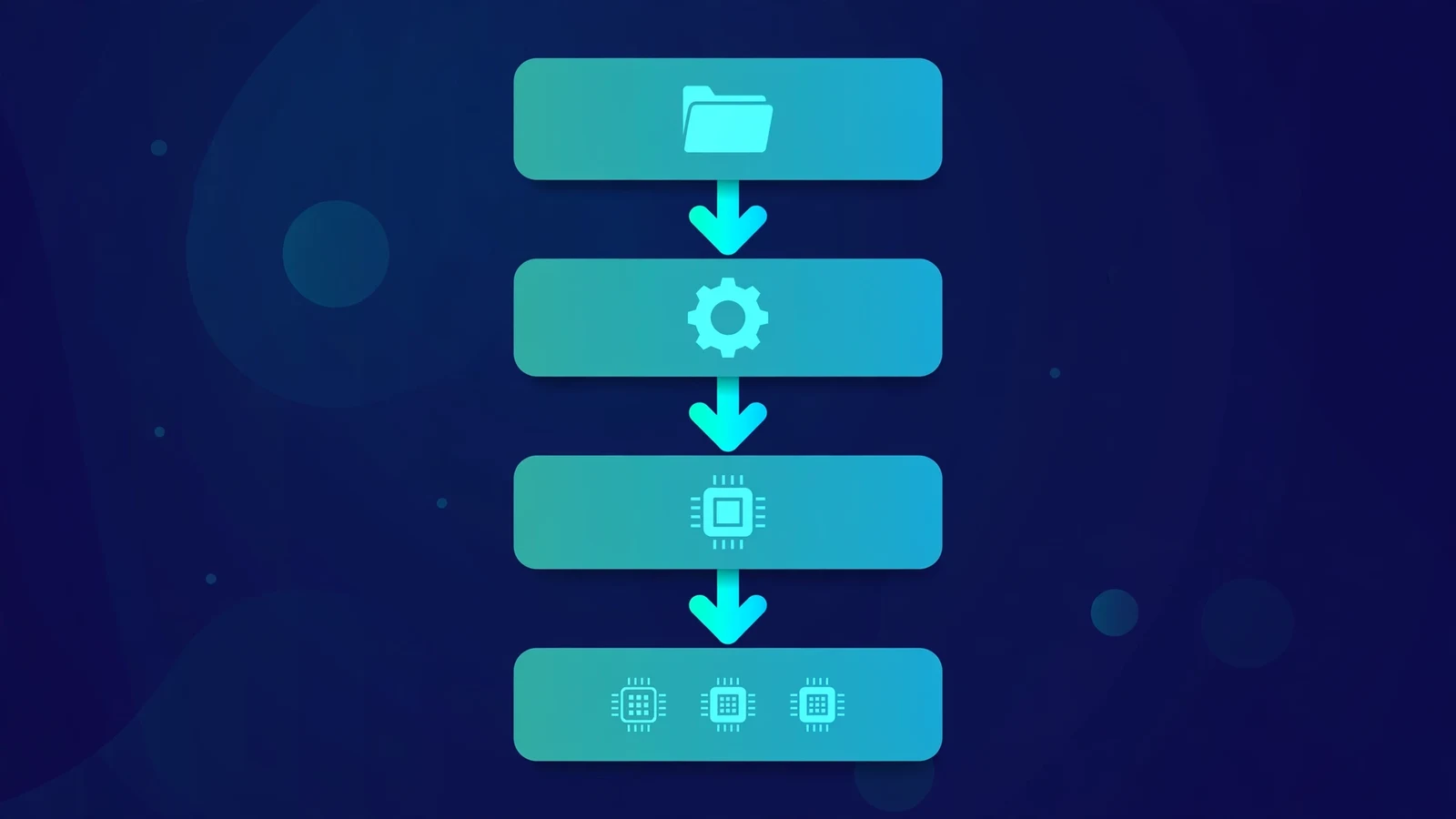
WinMLServer.exeserves any GGUF file over a local HTTP endpoint, so existing code written against the OpenAI SDK works unchanged against a model on your own machine. - A new experimental Windows-native Runtime API, in preview, for developers who want lower-level control — including running multiple models across CPU, GPU, and NPU in one deterministic pipeline.
One detail worth appreciating: Microsoft is not just wrapping llama.cpp — it is contributing performance work back upstream, together with NVIDIA. The listed improvements include CUDA kernel optimization and fusion, better CPU–GPU scheduling, weight repacking, CUDA graphs, speculative decoding (Eagle-3, MTP, D-Flash2), multi-GPU execution, and NVFP4 support. That work lands in llama.cpp for everyone, not only for Windows users.
What it takes to try it
The honest version of the setup, from Microsoft's own example:
# Start the local Windows ML server with your GGUF model
WinMLServer.exe model.gguf --model-id qwen2.5-0.5b --target gpu --port 8080
Then point any OpenAI-compatible client at http://127.0.0.1:8080/v1 — your existing inference code runs locally without modification.
A few honest qualifiers before you jump in:
- It is experimental. Microsoft ships this as "Windows ML 2.7.2021 Experimental" and says explicitly to review supported scenarios and known limitations before relying on it in production. Expect rough edges.
- Two task APIs, that is all. Text generation and speech recognition. There is no image generation, no agent tooling — yet.
- The engine routing only covers the two formats. GGUF goes through llama.cpp, ONNX through the ONNX runtime. Everything else needs converting.
Microsoft's stated motivations are ones this site's readers will recognize: local inference cuts latency, keeps your data on your device instead of sending it to a server, and avoids per-token cloud charges. The company says more than 2 trillion inferences now run locally each month across Copilot+ PCs — a number to read as Microsoft's claim, but a sign of where it is placing its bets.
Why this matters for your own machine
Zoom out and three things are happening at once:
1. Windows is treating open models as normal software. Pulling a GGUF file from Hugging Face and running it through a Windows API is the kind of workflow that turns "local AI" from a hobbyist project into something any app can ship. No terminal required, no CUDA toolkit to configure — the OS handles the plumbing.
2. Your PC's weird mix of chips starts to look like one computer. Modern laptops have a CPU, an integrated GPU, sometimes a discrete GPU, sometimes an NPU — and today you are the one figuring out which model runs where. Windows ML is built to route across AMD, Intel, NVIDIA, and Qualcomm silicon. It does not fully do that yet, but the direction is one API over whatever chips you have.
3. The big models are being squeezed to fit. In the same week, Microsoft showed where this leads: its MAI Code 1.1 Flash (137 billion total parameters, 6.8 billion active) running on-device at 3-bit precision — about 80% smaller than the full model, with a 256,000-token context — and an upcoming NVIDIA Nemotron model with over 70 billion parameters squeezed into just over 20 GB of memory via 2-bit quantization. These are company figures, not independent tests, but they define the trend: quantization is becoming a product strategy, not just a download option.

What has not changed
Perspective is important. Ollama and LM Studio still give you a friendlier experience for everyday chat today — model libraries, one-click pulls, tidy UIs. Windows ML is a developer framework, not an app. And "experimental" is Microsoft being honest, not modest: APIs can change, edge cases will bite, and the documentation carries a list of known limitations.
The deeper bet is the hybrid one. GitHub's HydraFusion — the router that picks the right model for each task in the cloud — is being extended to local Windows models, with an experimental preview coming to GitHub Copilot, the Copilot CLI, and VS Code later in October 2026. The pitch Microsoft calls hybrid intelligence: simple work stays on your machine (private, fast, free), and only the hard parts go to the cloud. If that works, the operating system stops being a place where AI apps run and becomes the thing that decides where AI runs.
What to do next
If you are on Windows 11 and curious, you can install the experimental Windows ML package from NuGet and try the Text Generation API with a small GGUF — a 0.5B or 1B model — just to see the plumbing work. Keep it an experiment; keep Ollama or LM Studio for real work for now.
And if you are deciding what your current machine can actually handle before you experiment, check your setup with the site's advisor, or read the quantization explainer to understand what Q4 vs Q8 does to a model's memory footprint. The Windows ML news changes the plumbing — the memory math is still the memory math.
Sources
- Microsoft Foundry on Windows, "AI Development on Windows: from PyTorch and llama.cpp to Windows ML," October 7, 2026 — experimental llama.cpp/GGUF support, Text Generation and Speech Recognition APIs, OpenAI-compatible endpoint, Windows ML Runtime API preview, upstream llama.cpp contributions.
- Neowin, "Microsoft highlights major advancements in Windows ML," October 8, 2026 — announced at the Windows and Surface October event.
- TechiesJournal, "Microsoft Hybrid Intelligence: Local and Cloud AI in Windows," October 8, 2026 — hybrid intelligence announcement, local models in Copilot CLI, MXC generally available.
- Unite.AI, "Microsoft to Give Copilot Local File Context and OS-Wide Actions," October 8, 2026 — MAI Code 1.1 Flash figures, Nemotron 2-bit/20GB claim, HydraFusion local routing, 2 trillion local inferences/month.
- TechWireAsia, "Microsoft and Nvidia bring AI models and agents to Windows PCs," October 2026 — RTX Spark hardware context, hybrid intelligence framing.