
Ollama 0.40.13 brings LFM3 to Linux and Windows
Two days after LFM3 arrived on Macs only, Ollama 0.40.13 brings the small text, vision, audio, and omni models to Linux and Windows PCs.
Two days ago, this site covered Liquid AI's LFM3 family with one catch: in Ollama, the models ran on Apple hardware only, and Linux and Windows support was "coming soon." That wait is over. Ollama 0.40.13, released October 28, brings the LFM3 models to Linux and Windows as well as Apple silicon. If you held off because you run a Windows gaming PC or a Linux home server, you can now pull these models with the same one-line commands Mac users got on day one.
What just changed
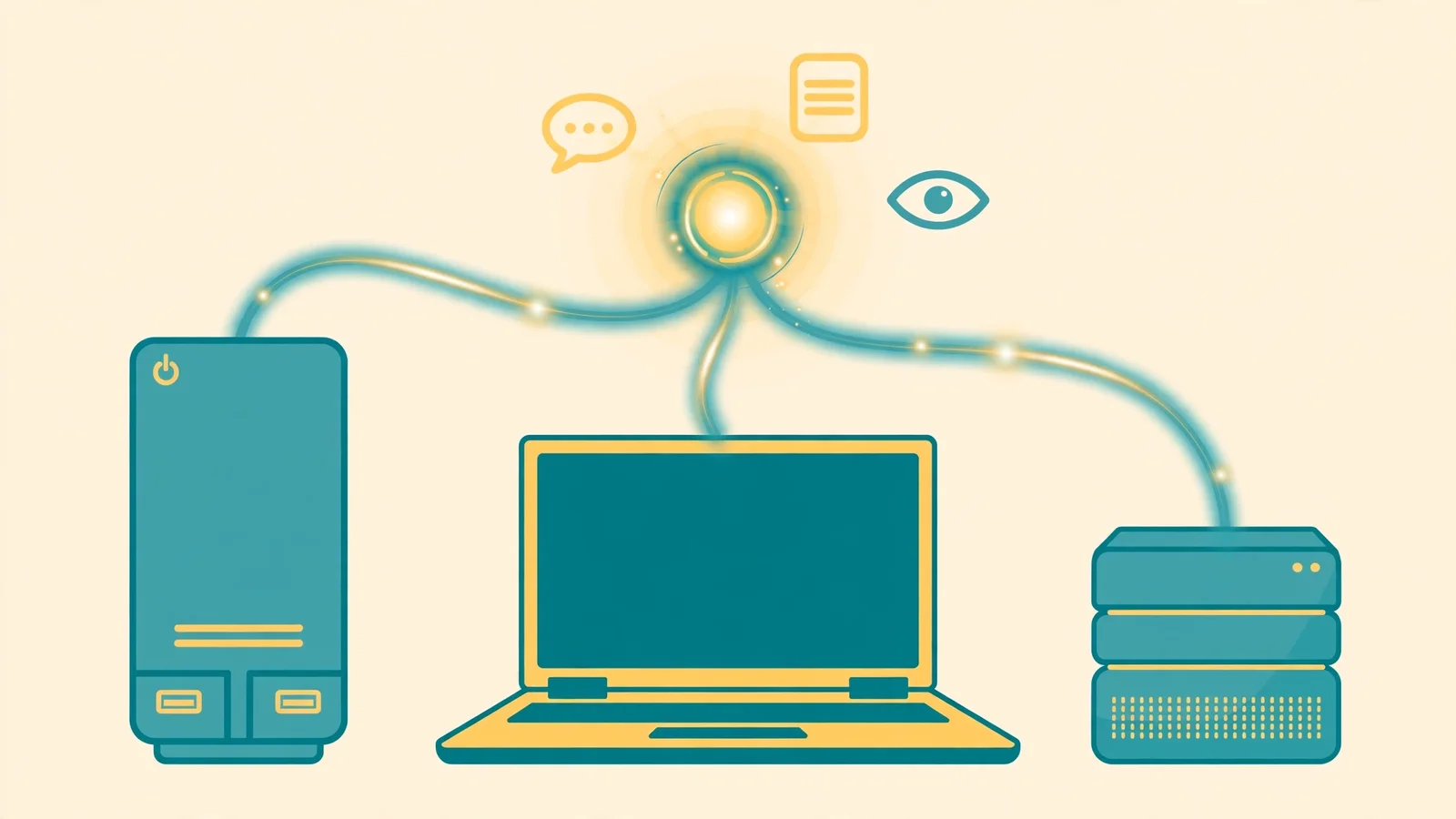
The 0.40.13 release notes say exactly one thing, and it is the thing that matters here: Liquid AI's LFM3 models, including text-to-speech in lfm3-audio and lfm3-omni, now run on Linux and Windows as well as Apple silicon. That closes the gap left by 0.40.12, which shipped LFM3 support on October 27 but limited the Ollama builds to Apple hardware. Windows and Linux users had to fall back to Liquid AI's weights with llama.cpp or vLLM. Now the easy route works on all three desktop platforms.
The four models you can now pull
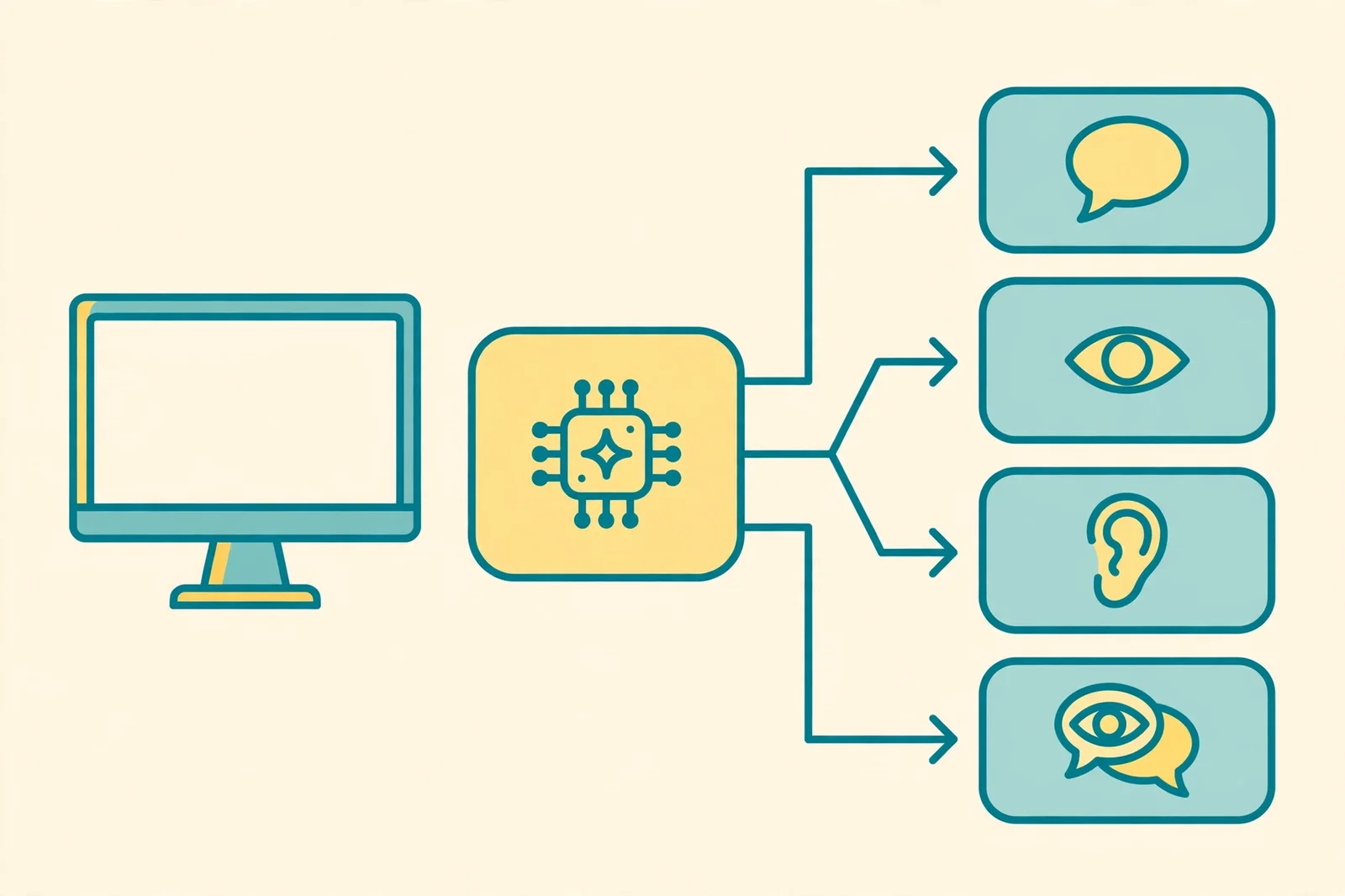
LFM3 is a family of six small open-weight models, each around 2 billion parameters, branched from the same 1.7-billion-parameter base. The four that the 0.40.13 notes name for Linux and Windows are:
lfm3(text): a chat and agent model with a 256,000-token context window, built for tool calls and agent harnesses.lfm3-vl(vision): takes text, images, and video as input, and reasons step by step before answering.lfm3-audio(audio): takes text or audio and replies with text, speech, or both, across 18 languages.lfm3-omni(omni): sees, listens, and talks back in a single model.
Try them with the usual commands, after updating Ollama:
ollama run lfm3
ollama run lfm3-vl
ollama run lfm3-audio
ollama run lfm3-omni
If you want the full story on what each model is built for, including Liquid AI's own benchmark claims and the limits behind them, read the earlier post on the LFM3 family.
How to update
Check what you are running first:
ollama --version
If it prints anything older than 0.40.13, update with the normal installer for your platform: on macOS or Linux, run the install script again (curl -fsSL https://ollama.com/install.sh | sh); on Windows, run the PowerShell installer or grab the new setup from Ollama's download page. Then pull a model and confirm it loads before you build anything on top of it.
One habit worth keeping: the 0.40 line has shipped a new build every few days through October. That pace is good for new model support and bad for surprises, so if a local agent or app depends on Ollama, pin the version you tested with and update on your own schedule, not the release feed's.
What this changes for you
The practical change is who gets the easy route. Before this release, the simplest LFM3 setup belonged to Mac owners. Now a Windows PC with a decent GPU and a Linux box in the corner get the same treatment, with no llama.cpp build step and no manual weight downloads.
The audio model is the most interesting of the four for home use. A local model that listens and talks back in 18 languages, running entirely on your own machine, is the core of a voice assistant that never sends your speech to a cloud API. Pair lfm3-audio or lfm3-omni with the text model for tool calls, and you have a small, private voice agent that runs on hardware you already own. And because the whole family sits around 2 billion parameters, these are models a laptop or a modest desktop can actually hold in memory, not server-class weights squeezed onto a consumer card.
Honest limits
Three things to know before you get excited. First, the 0.40.13 notes name the LFM3 family only. They do not mention the d1 decision models, which were also Apple-only in 0.40.12, so treat d1 on Linux and Windows as unconfirmed until a later release says otherwise. Second, nobody has published measured speeds or memory use for the Linux and Windows builds yet. On a GPU machine these models are small enough to be comfortable, but on a CPU-only box, test first and measure on your own hardware before planning a feature around them. Third, the audio models are new: speech quality, language coverage, and latency on Windows and Linux are all still to be proven outside Liquid AI's and Ollama's own testing.
The bottom line
Ollama 0.40.13 is a small release with a clear payoff: the LFM3 family is no longer a Mac-only convenience. If you run Linux or Windows and have been waiting for a simple way to try small, private, multimodal models at home, update Ollama, pull lfm3, and start there. If you are still deciding what hardware to run models on, start with /check to match a model to the machine you already own.
Sources
- Release v0.40.13, Ollama, October 28, 2026
- Introducing LFM3: Every Modality for Specialized Intelligence, Liquid AI, October 27, 2026